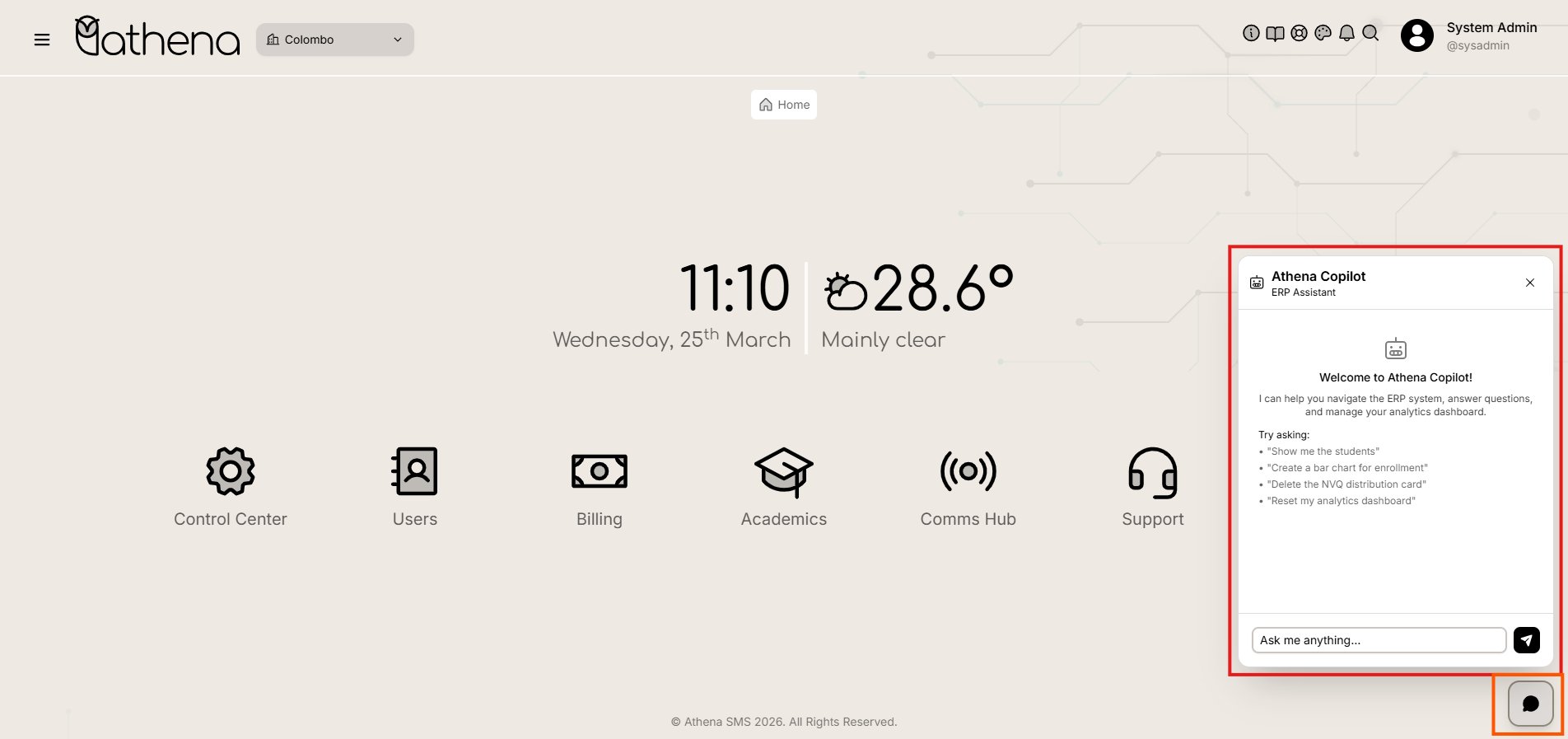
Menu Bar and ChatBot
The Menu Bar ensures smooth navigation across all modules, and the ChatBot provides instant support and guidance through an interactive help interface and the Dashboard offers a quick overview of key metrics and recent activities.
Menu Bar
The Menu Bar provides quick-access tools designed to enhance productivity and user experience. It remains visible across all sections of the application, ensuring essential functions are always within reach.
Hovering over any icon displays a helpful tooltip after a brief moment.
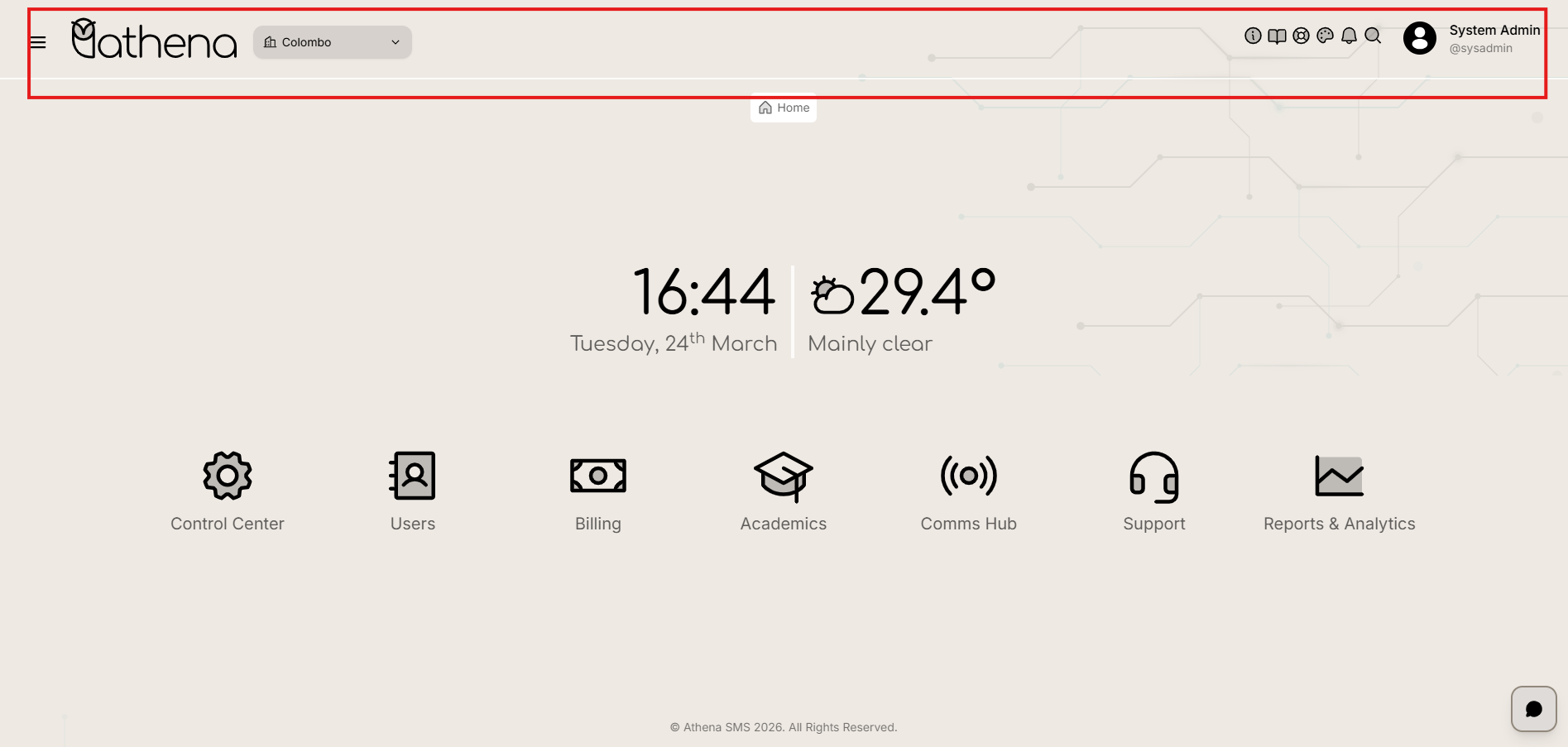
The Control Center menu bar contains quick-access tools to enhance productivity and user experience:
-
Side Bar (≡) - Reveals a hidden navigation menu from the left-hand corner, allowing administrators to quickly switch between different sections of the system without leaving the current view.
-
Athena Logo - Clicking the logo redirects the user to the main Dashboard, serving as a quick home button.
-
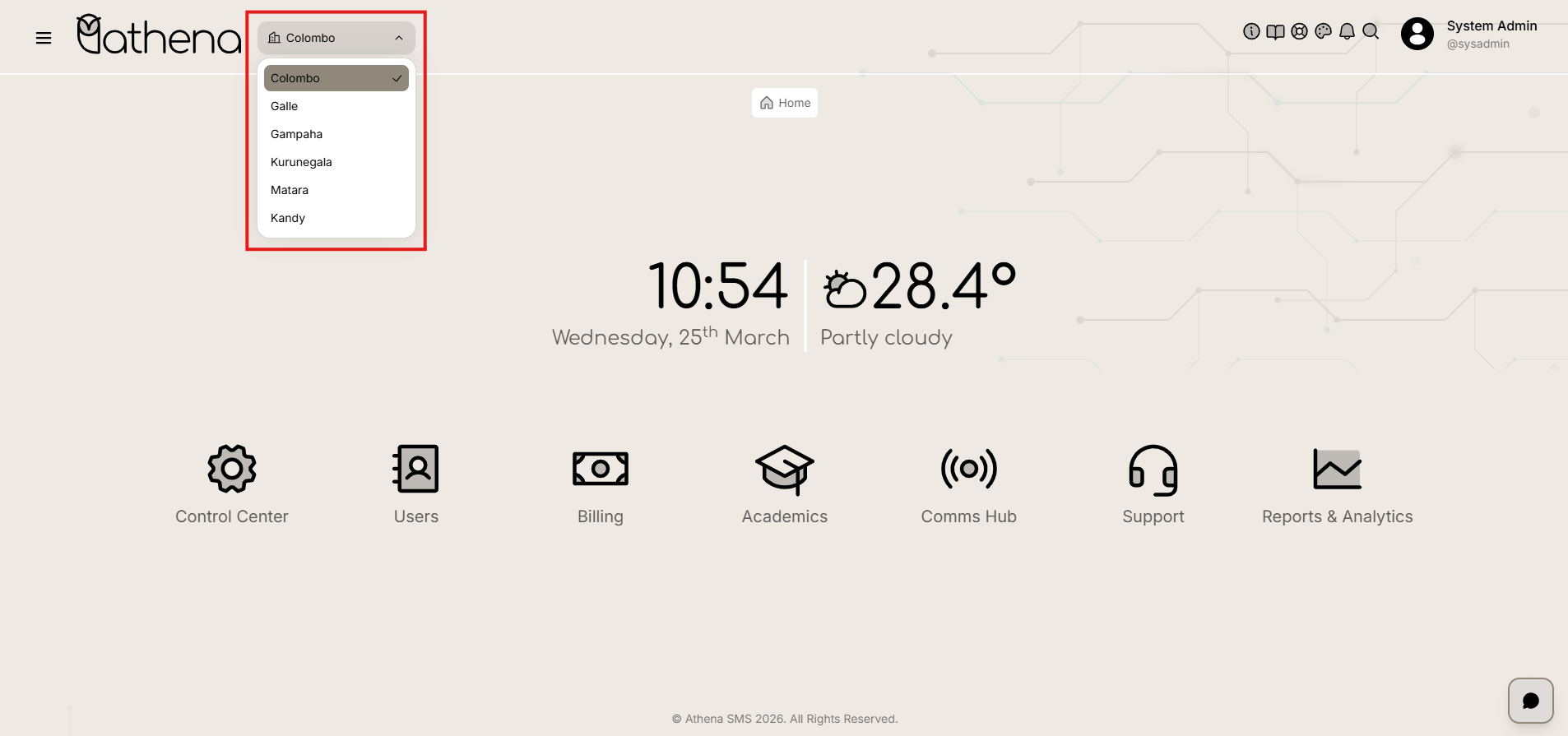
Branch Selection - Allows administrators to switch between different school branches. When a branch is selected, the system updates to display data and perform operations only for that specific branch.
-
Info (ℹ️) - Displays system version, release notes, and key platform information for quick reference.
-
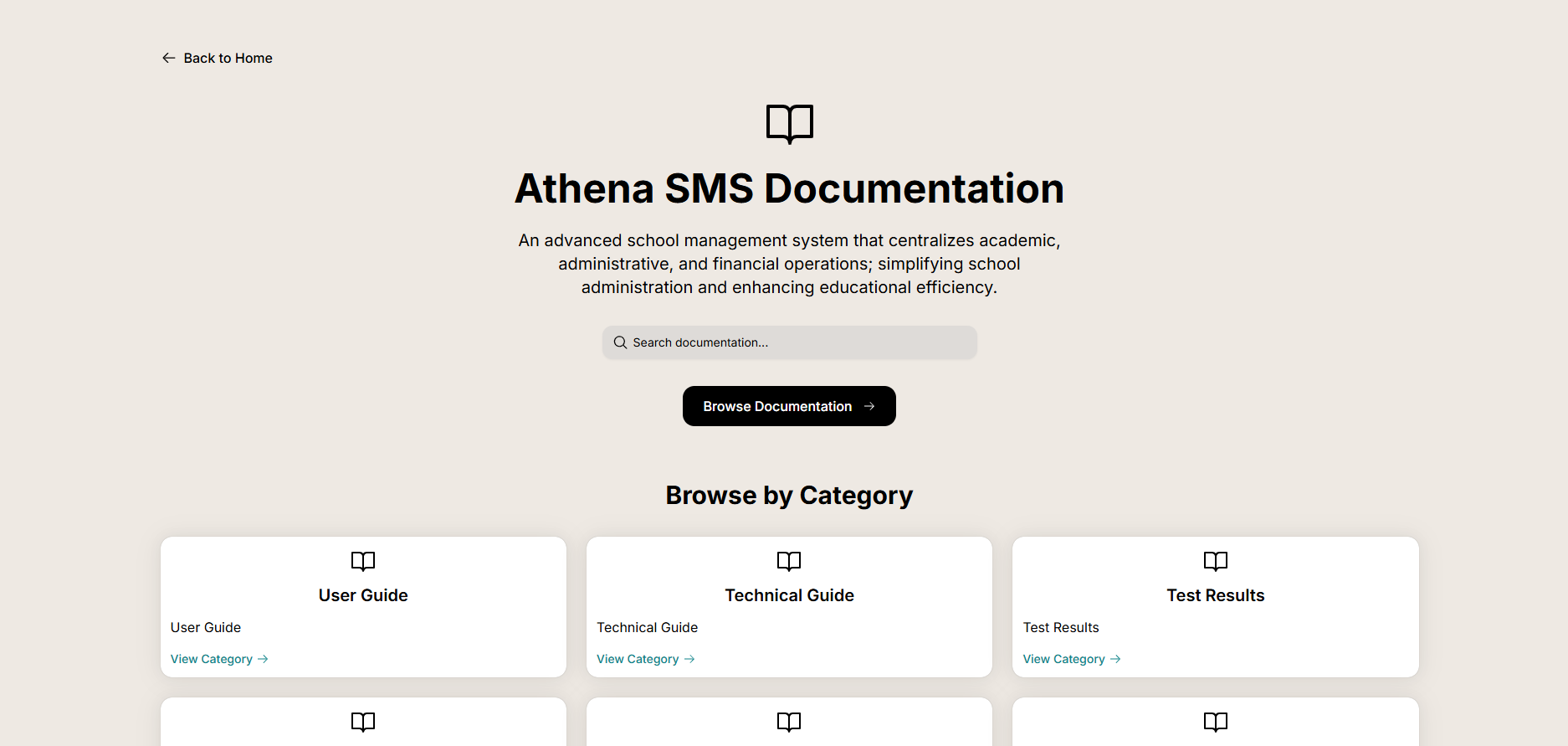
Documentation (📖) - Redirects to the official Documentation, providing guides, FAQs, and technical references.
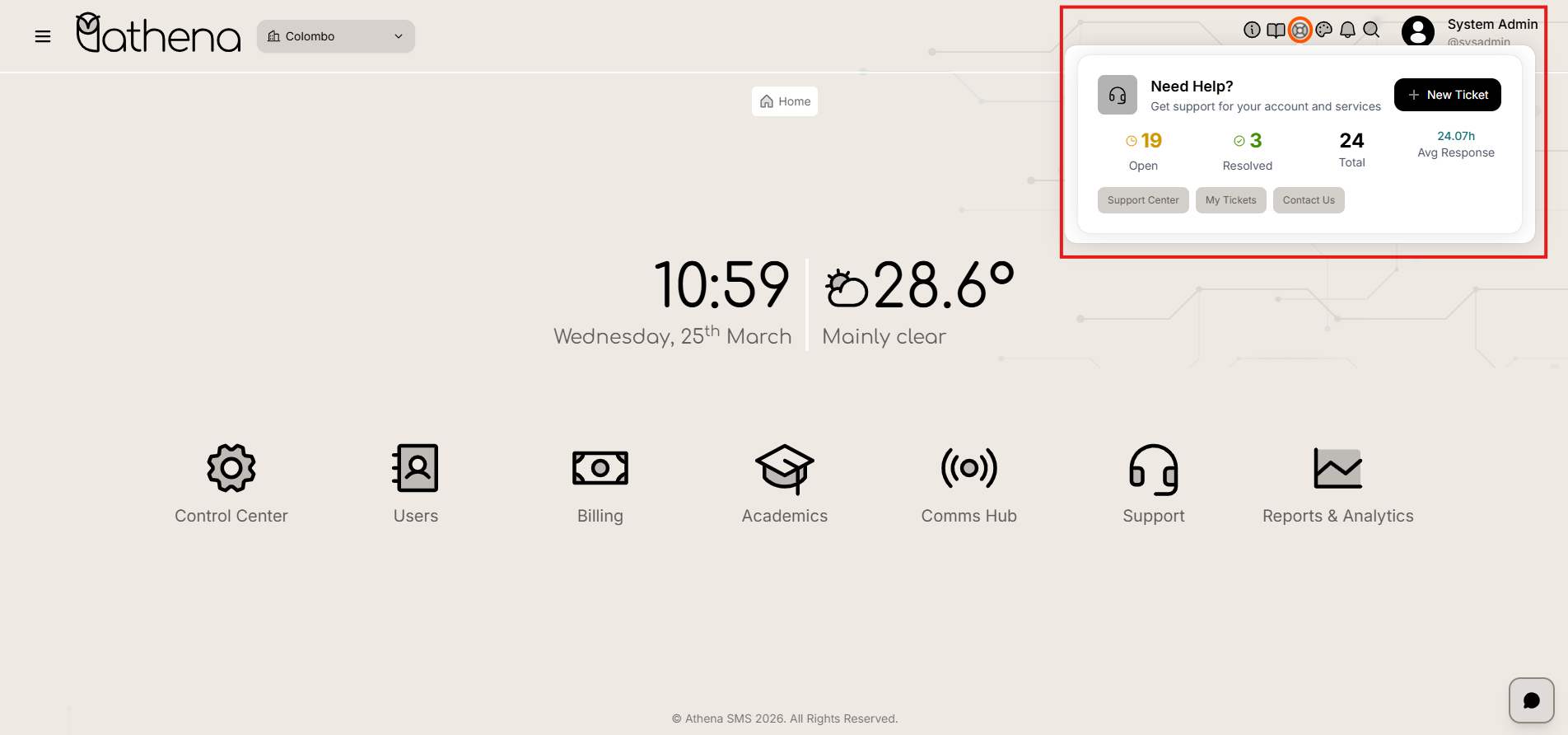
- Support (🛟) - Opens the Support Center, allowing admins to raise tickets, access chat.
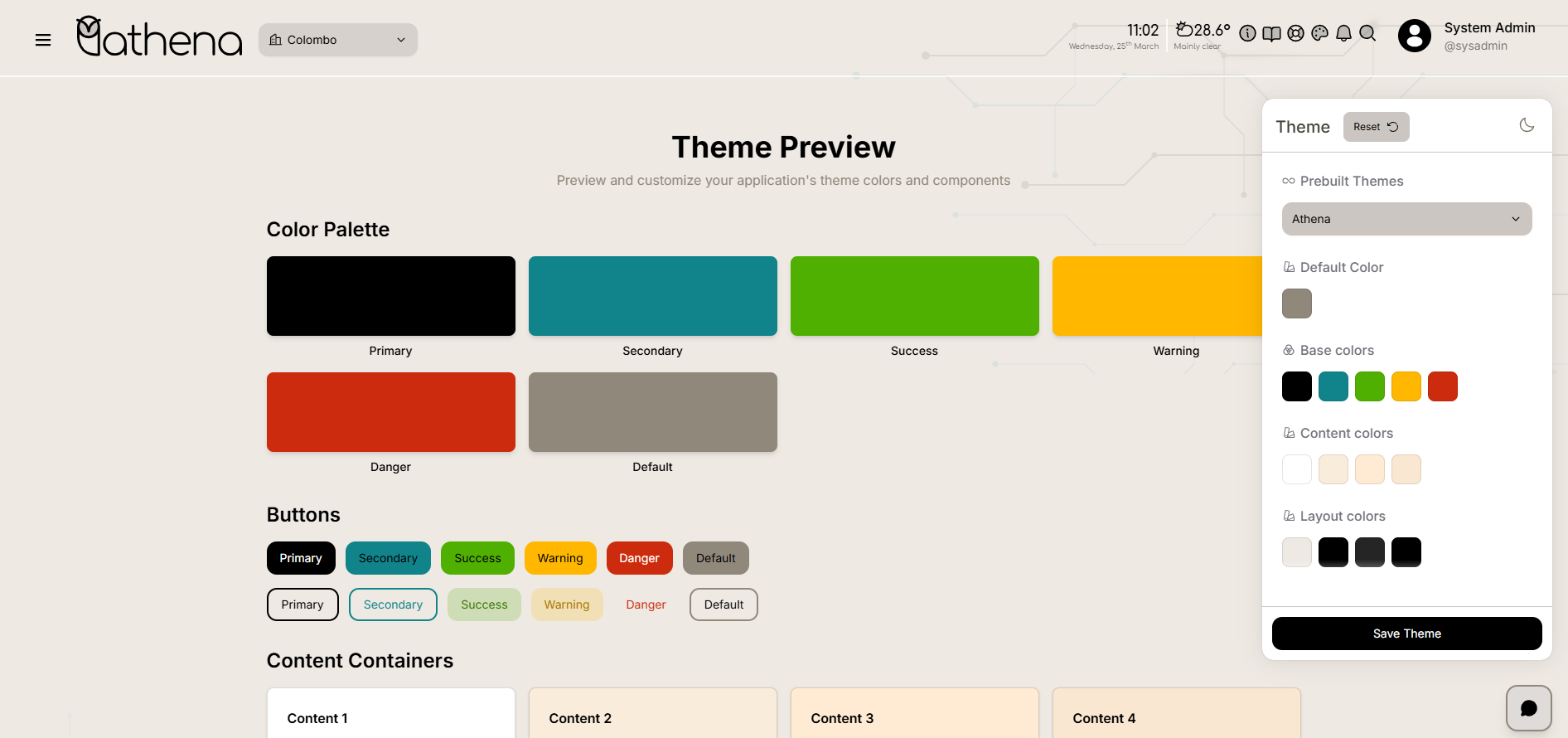
- Theme (🎨) - Toggles between Light, Dark, and System Default themes for personalized visual comfort.
-
Notifications (🔔) - Displays real-time alerts such as system updates, pending approvals, and task assignments.
-
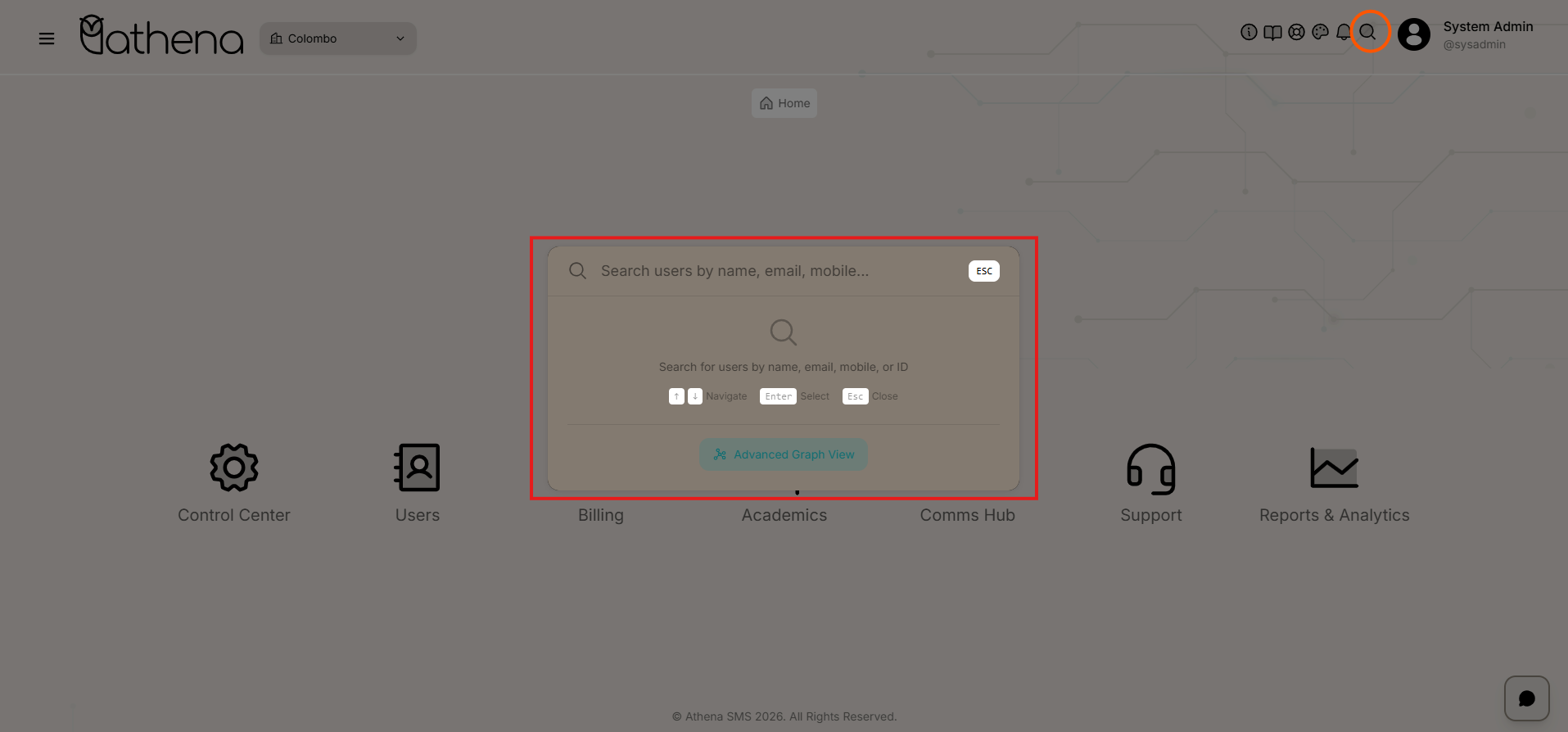
Search (🔍) - Powers a global search feature enabling quick lookup across users, invoices, courses, reports, and system records.
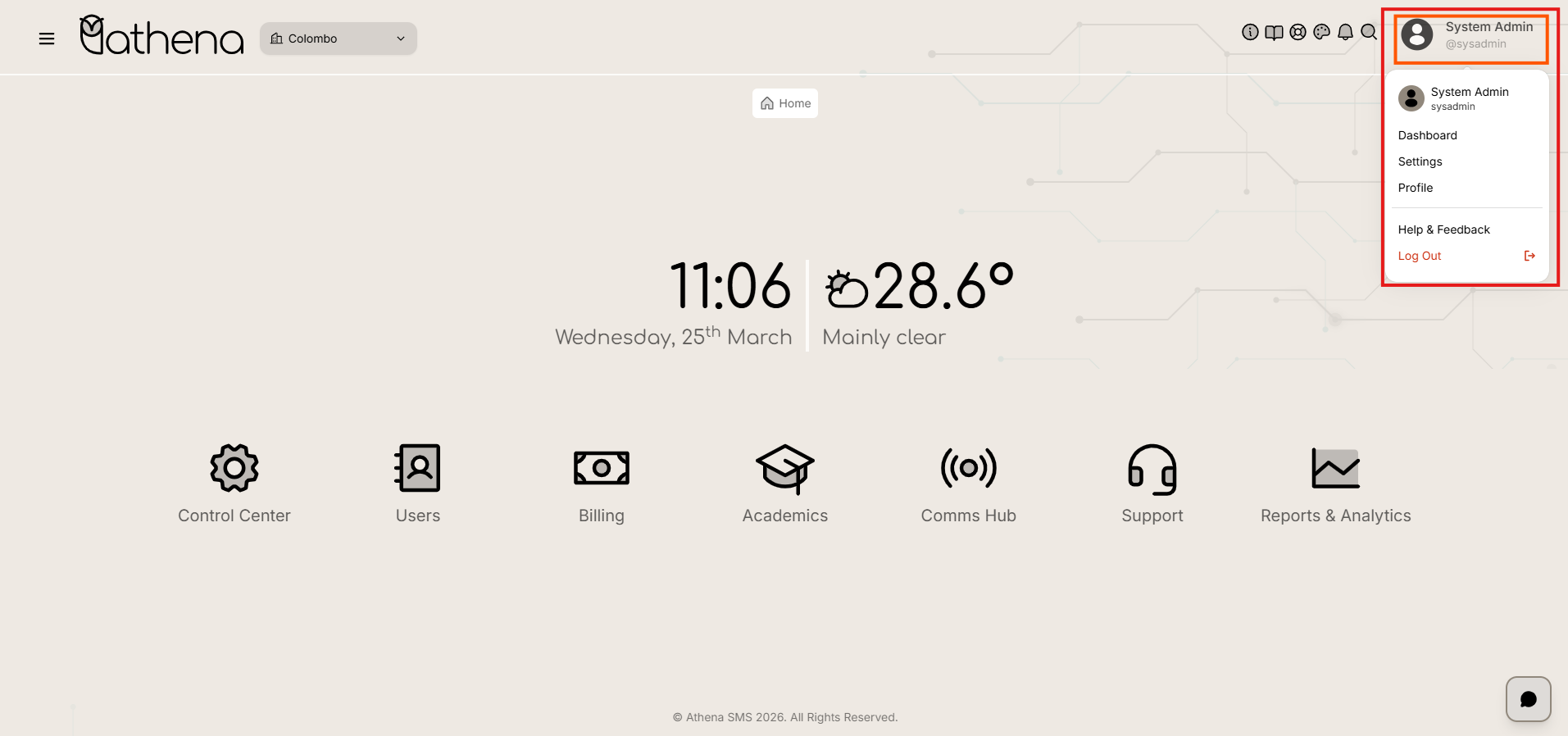
- Profile (👤) - Expands to reveal admin account options: Dashboard, Settings, Profile, Help & Feedback, and Log Out.
ChatBot
ChatBot (AI Assistant) (💬) – Instantly available to answer questions, guide users, and provide real-time support through a conversational interface.