User Settings
Configure default role mappings for different user types.
Workflow Overview
🏠 Home > ⚙️ Control Center > 🎚️ Settings Area > 🪪 User Settings
Layout
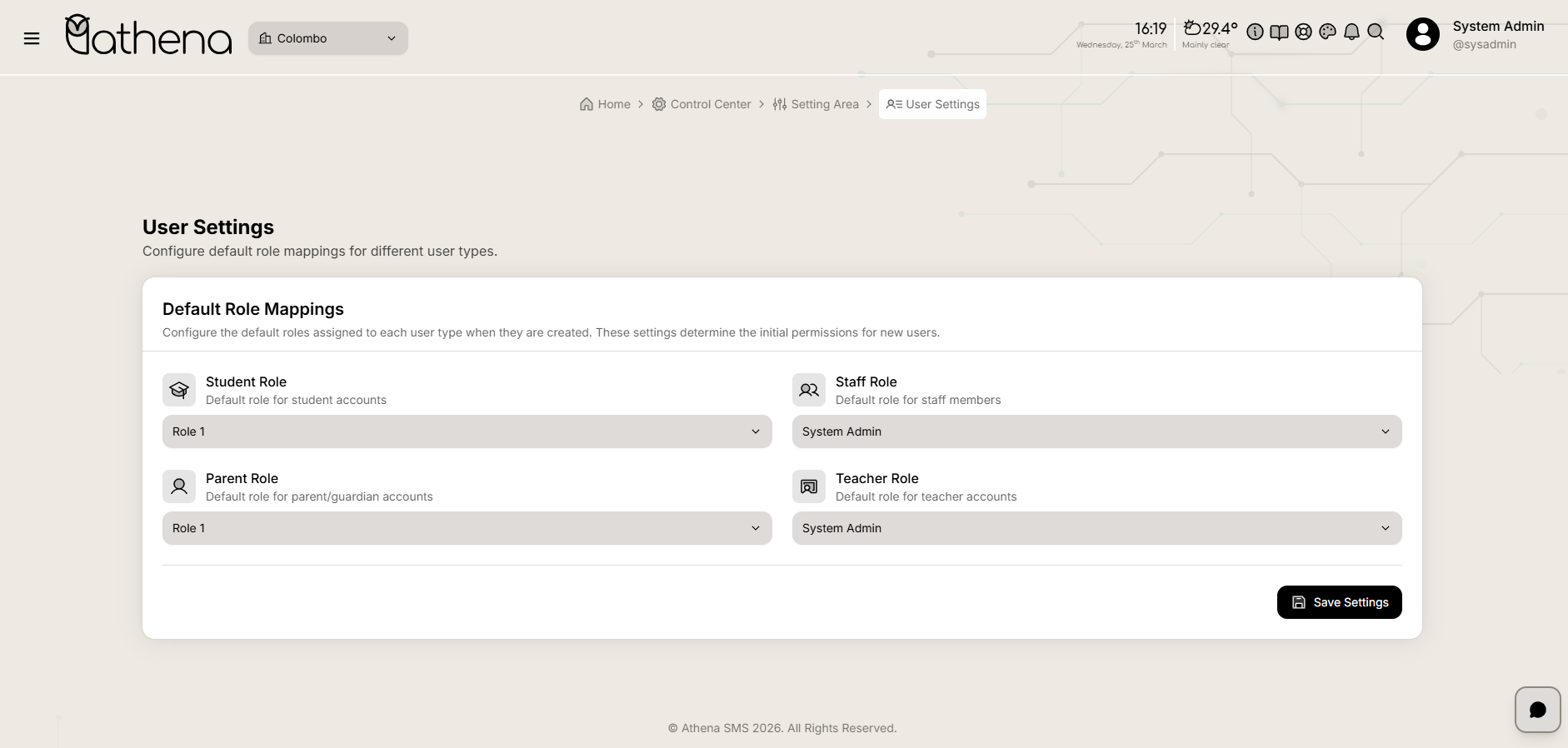
Default Role Mappings
Configure the default roles assigned to each user type when they are created. These settings determine the initial permissions for new users.
-
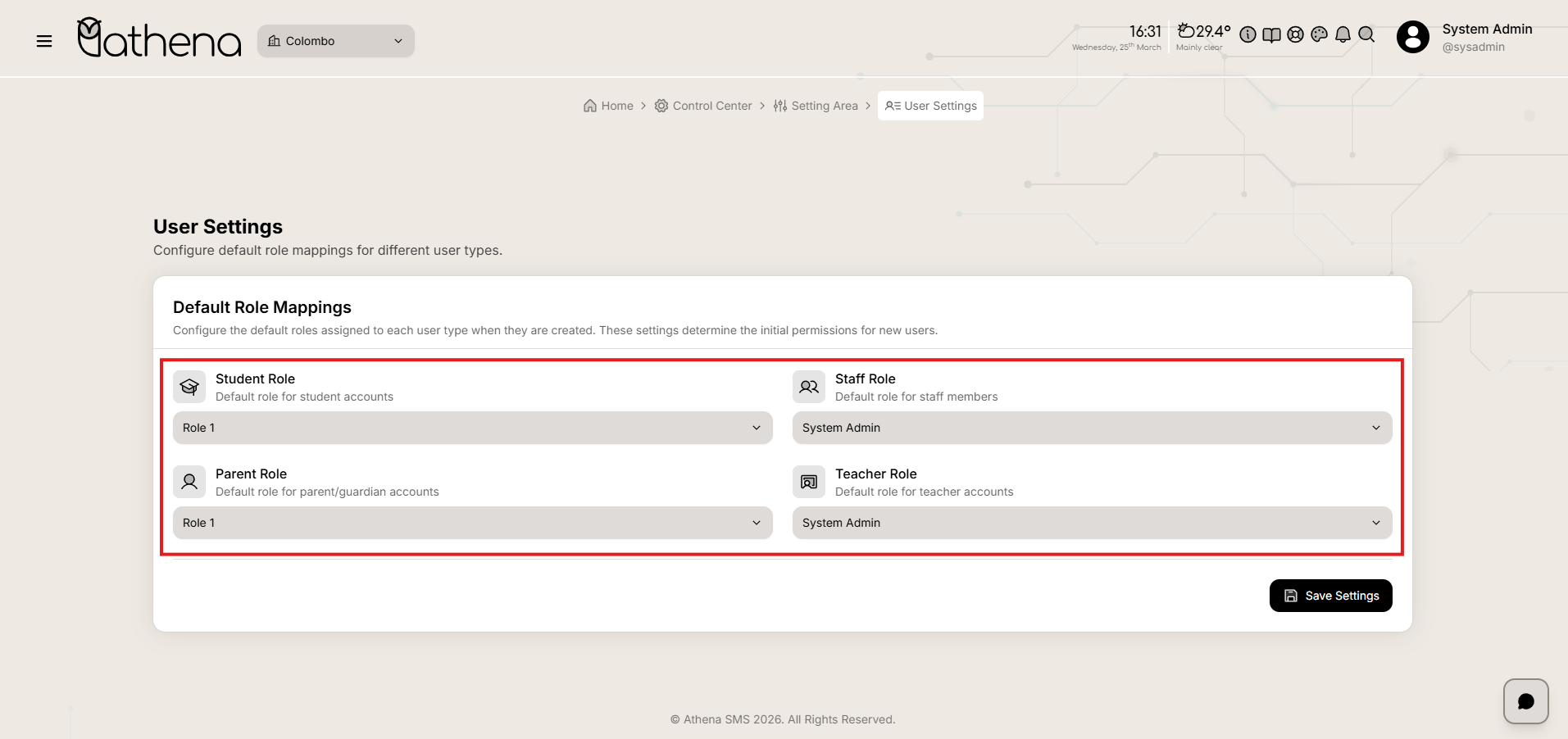
Student Role - Default role assigned to student accounts.
-
Parent Role - Default role assigned to parent and guardian accounts.
-
Staff Role - Default role assigned to staff members.
-
Teacher Role - Default role assigned to teacher accounts.
Key Features
-
Role-Based Access Control – Define default permissions for each user type at the time of account creation.
-
Streamlined User Onboarding – Automatically assign appropriate roles when new users are added to the system.
-
Centralized Role Management – Configure all default role mappings from a single interface.
-
Flexible Configuration – Easily update role assignments as organizational needs evolve.