Form Settings
Configure the settings for your forms here.
Workflow Overview
🏠 Home > ⚙️ Control Center > 🎚️ Settings Area > 📋 Form Settings
Layout
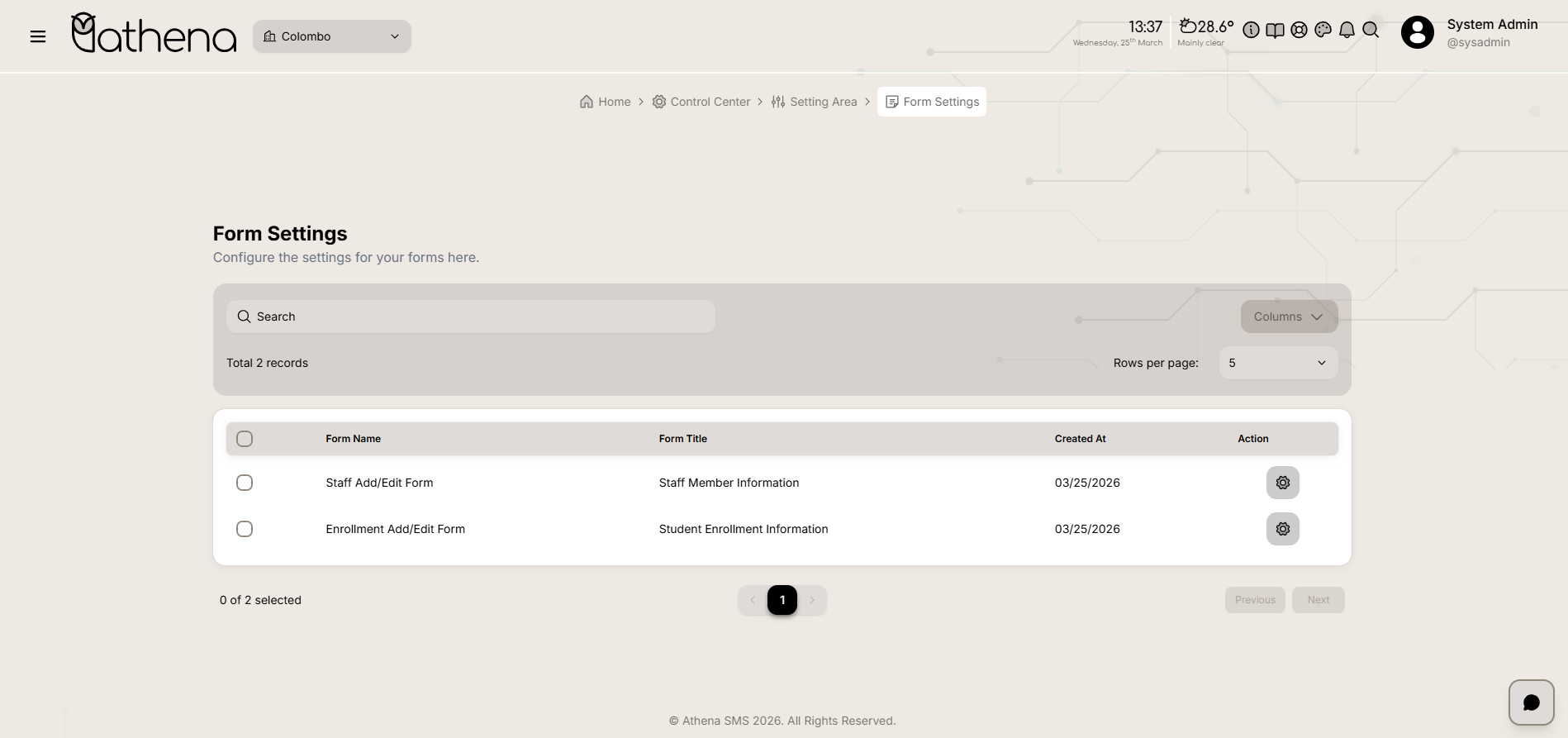
Form List Table
-
Form Name - Displays the internal identifier of the form.
-
Form Title - Shows the display title of the form.
-
Created At - Indicates the date the form was created.
-
Action - Click the lock icon to open the Form Builder for editing form fields.
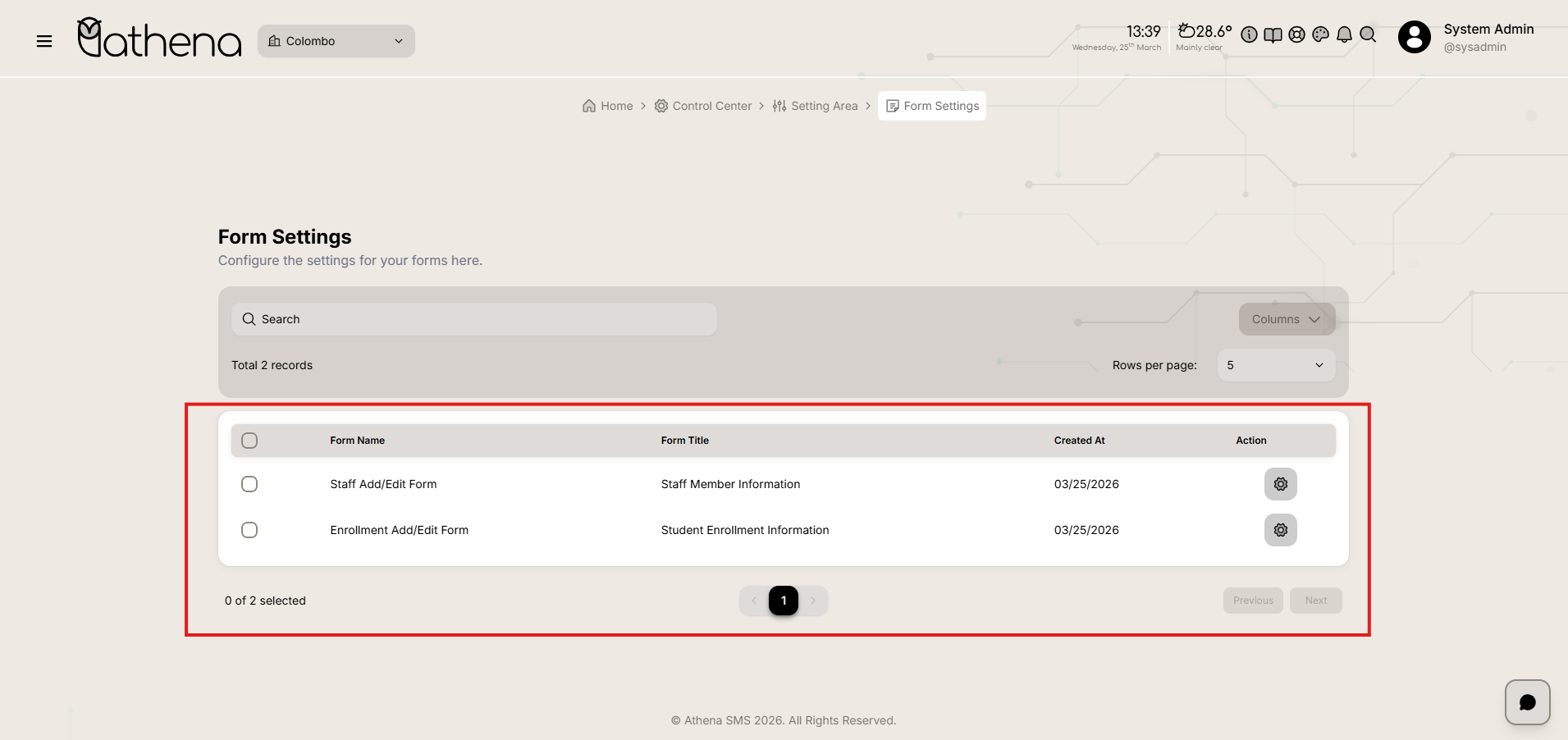
Form Builder
-
Add New Elements – Drag and drop input fields such as text, number, email, password, date, checkbox, radio, file upload, and multimedia upload.
-
Add New Tab – Create custom tabs to organize form sections.
-
Field Customization – Configure individual field properties including labels, placeholders, default values, validation rules, and size adjustments.
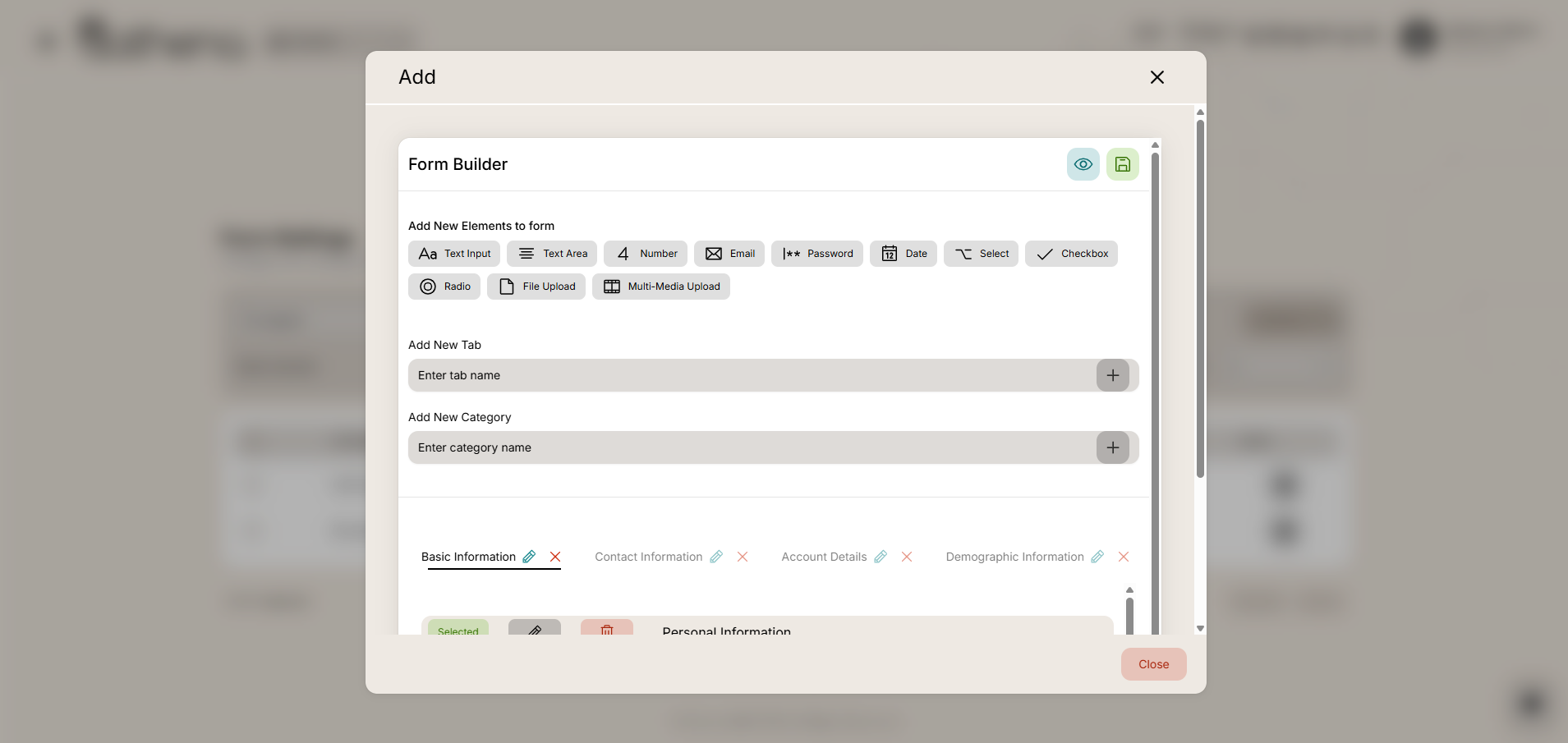
Table Controls
-
Search Bar – Quickly filter and locate specific forms by name or title.
-
Records Count – Displays the total number of forms available, such as 2 records.
-
Columns – Customize which columns are visible in the table view.
-
Rows Per Page – Adjust the number of records displayed per page for easier navigation.
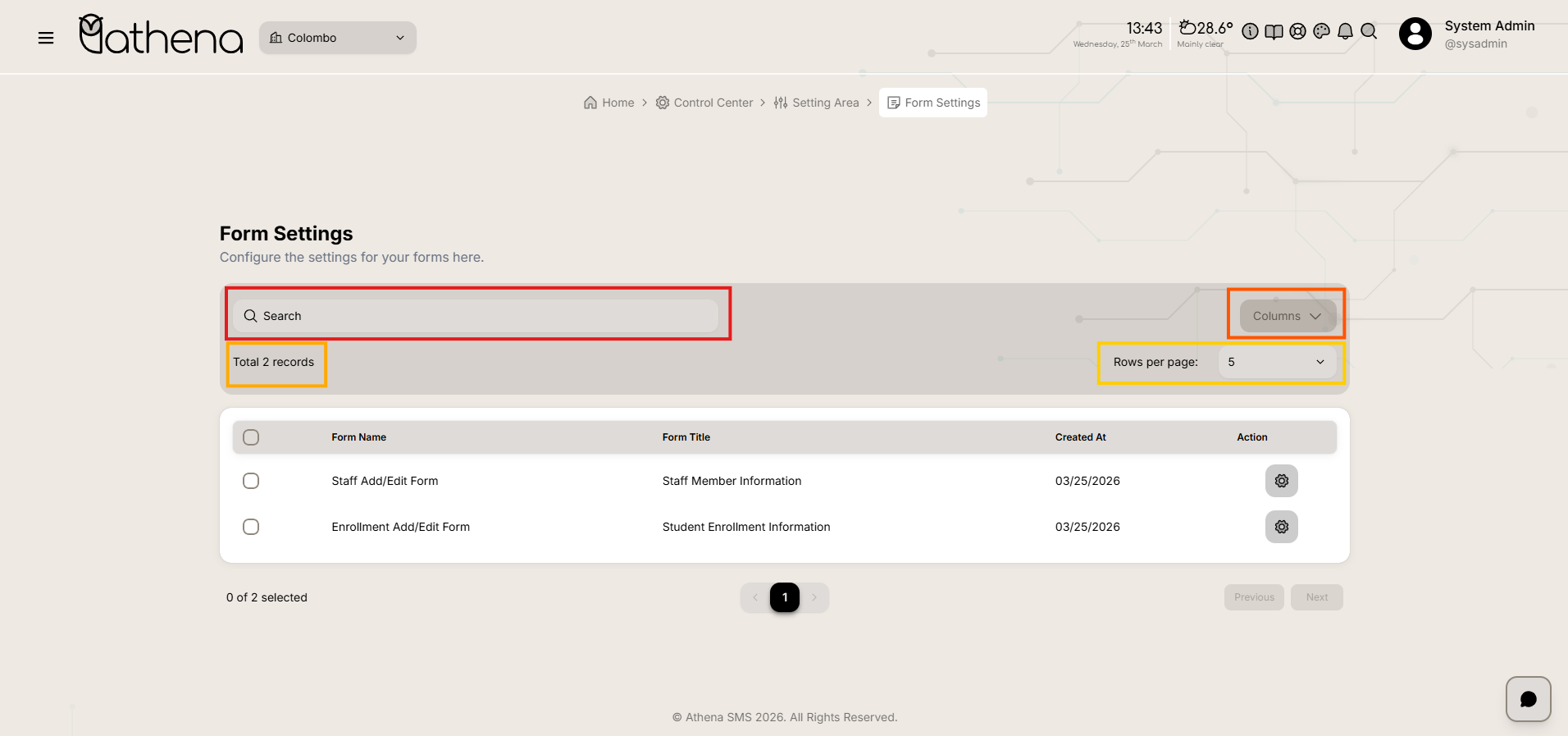
Key Features
-
Centralized Form Management – View and manage all forms from a single interface.
-
Drag-and-Drop Form Builder – Easily create and modify forms with an intuitive visual builder.
-
Flexible Organization – Structure forms using tabs and categories for better user experience.
-
Granular Field Control – Customize labels, placeholders, validations, and field sizes to match requirements.