Blocks & Classrooms
Manage blocks and classrooms for your application.
Workflow Overview
🏠 Home > ⚙️ Control Center > 🎚️ Settings Area > 🧱 Blocks and Classrooms
Layout
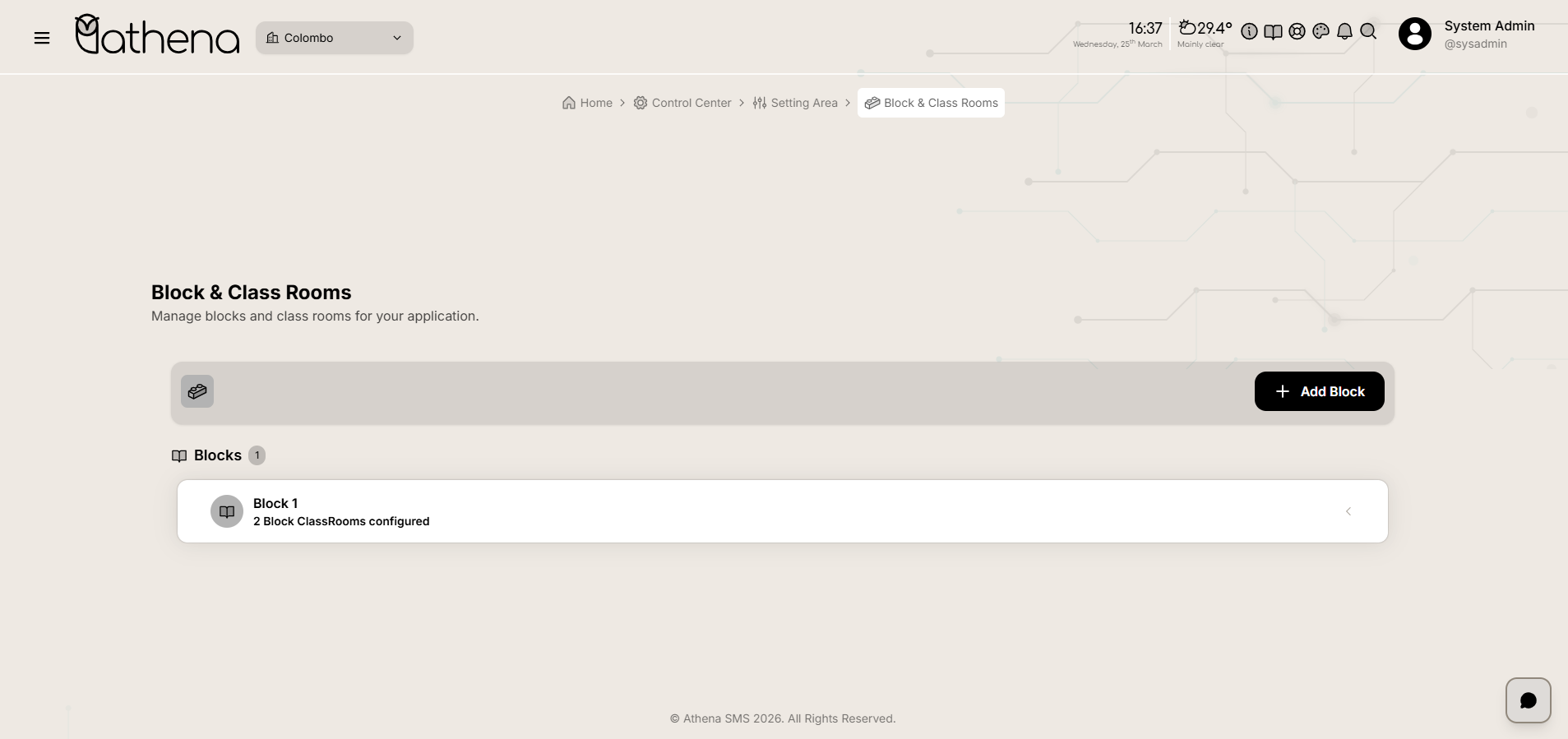
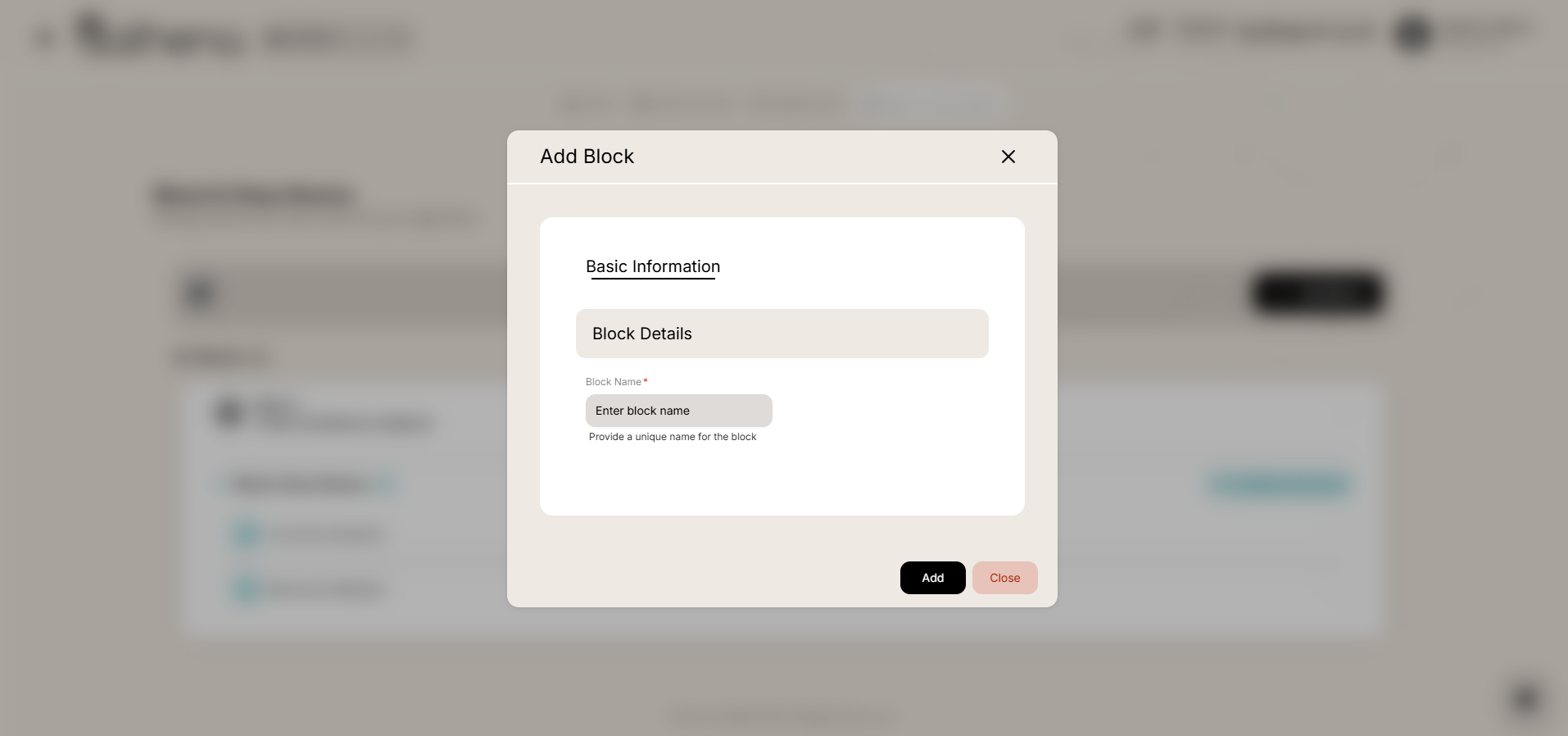
Add New Block
-
Basic Information - Enter block name with a unique identifier for the block.
-
Please add unique values for this field.
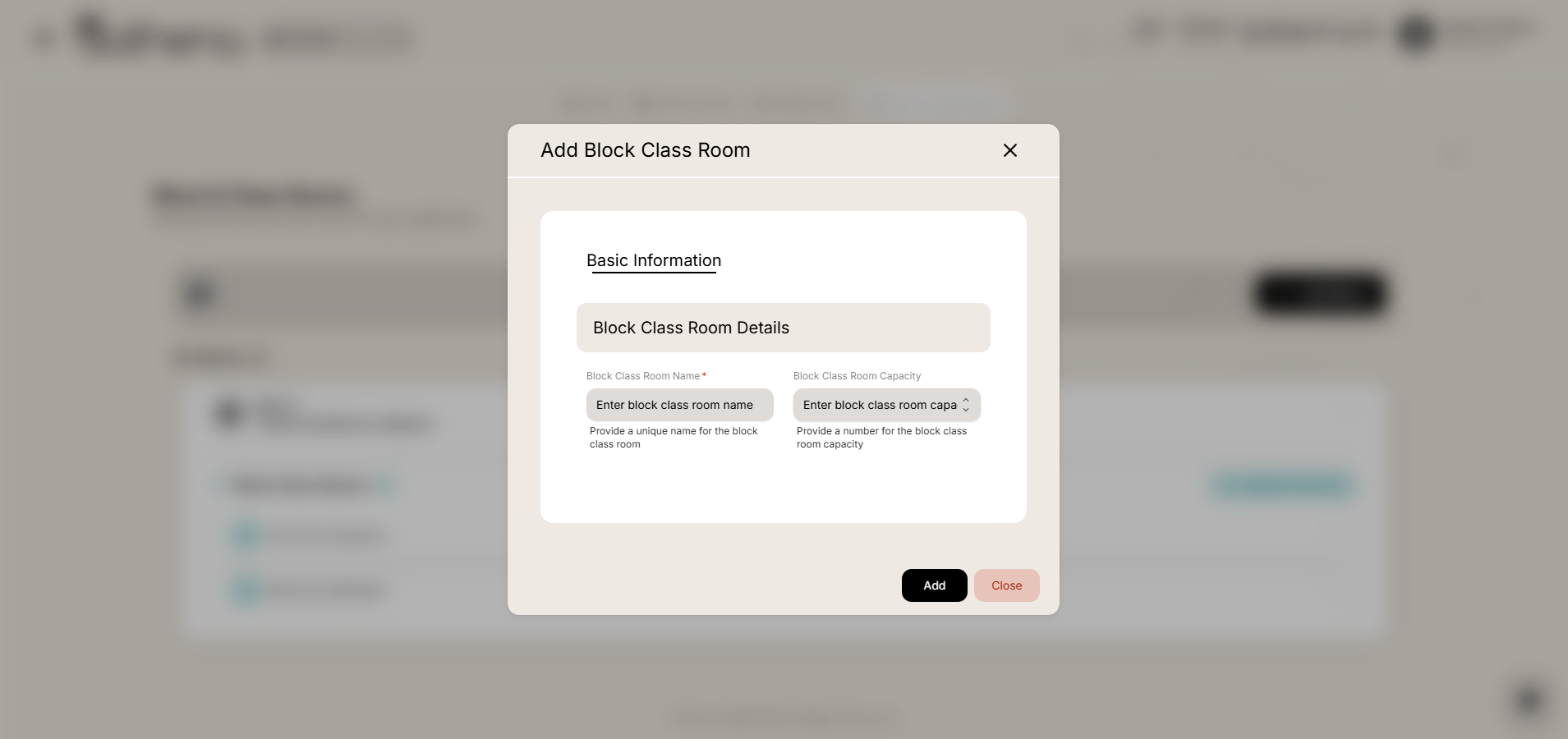
Add New Classroom
-
Basic Information - Enter classroom name and capacity.
-
Please add unique values for the classroom name under each block.
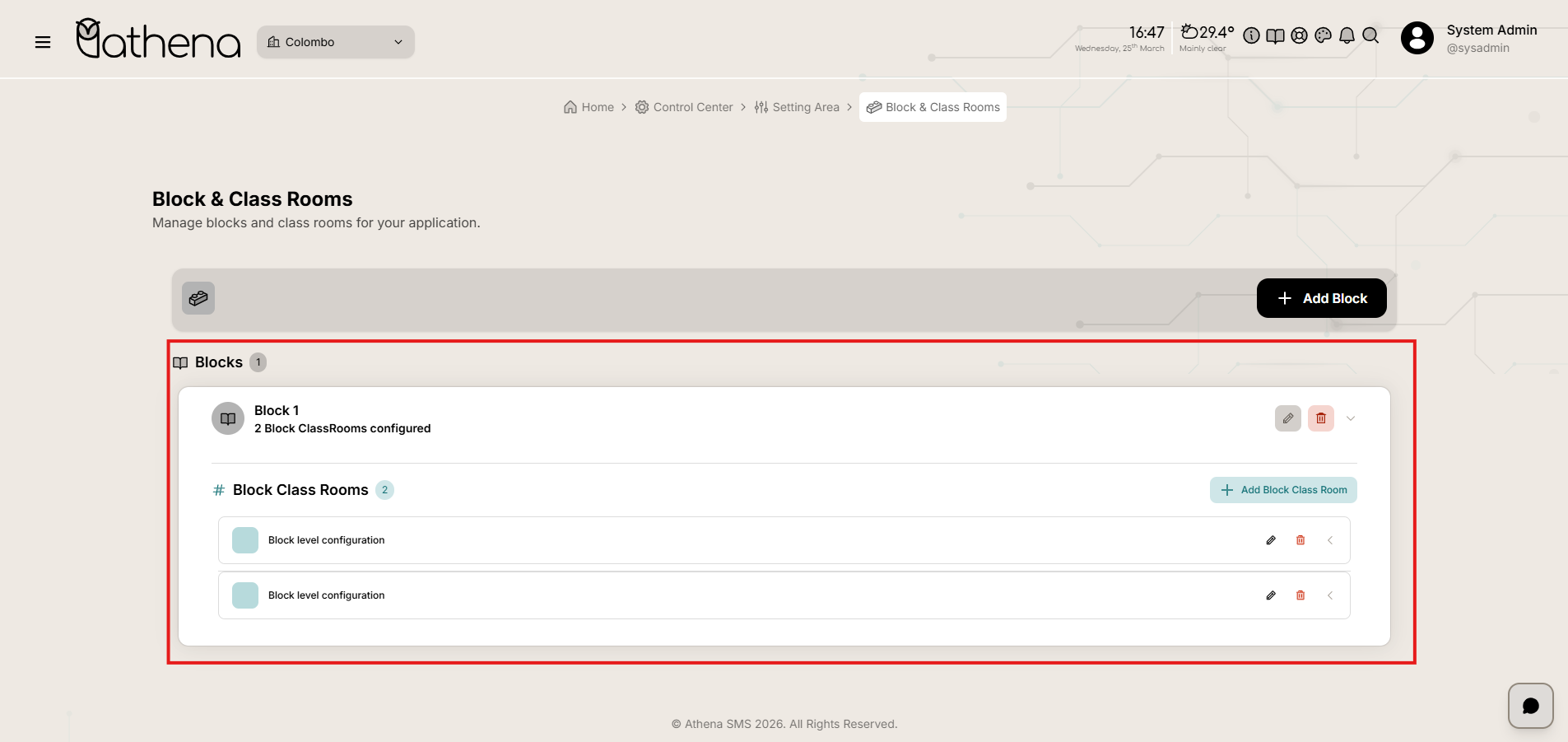
Blocks List
Each block displays with an expand/collapse icon. When expanded, it shows the classrooms within that block with their capacity details.
-
Block Name - Displays the name of the block.
-
Classroom Count - Shows the number of classrooms configured within the block.
-
Classroom List - Lists all classrooms under the block with their names and capacities.
Blocks and Classrooms Management Actions
-
Edit – Modify block details (name, description, basic information) or classroom details (name, capacity, resources, and other configurations).
-
Delete – Remove an item from the system with the following restrictions:
Delete Block – Only allowed if there are no classrooms under that block.
Key Features
-
Hierarchical Organization – Structure physical spaces by grouping classrooms under blocks for easy navigation.
-
Expand/Collapse View – Quickly view classroom counts and details within each block with intuitive expand/collapse functionality.
-
Capacity Management – Define and track classroom capacities to support scheduling and resource allocation.
-
Unique Identification – Enforce unique names for blocks and classrooms to avoid duplication.