Password Reset Requests
Manage and review all submitted password reset requests and monitor their status.
Workflow Overview
🏠 Home > ⚙️ Control Center > 🛡️ Access & Permissions > 🔑 Password Reset Requests
Layout
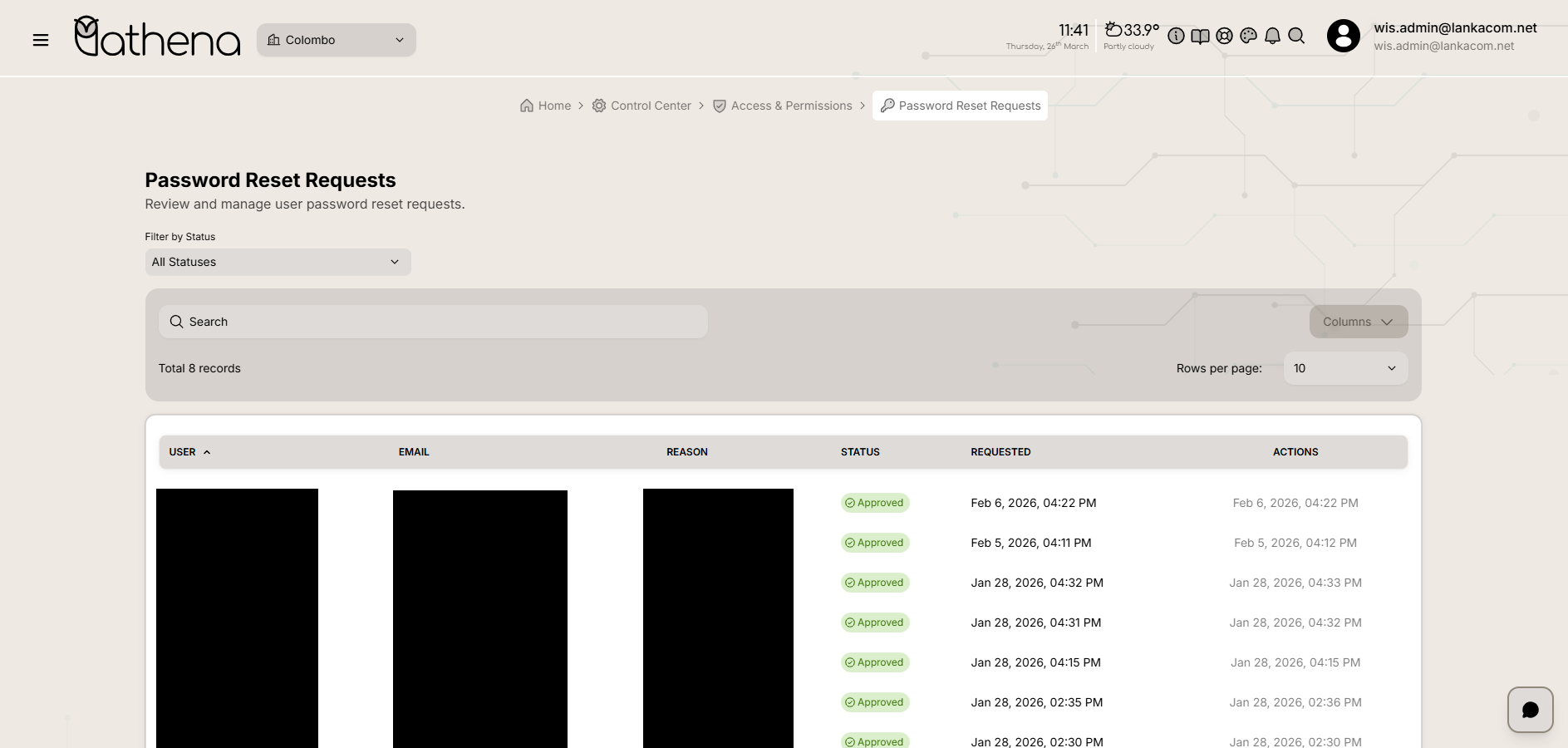
Password Reset Requests Table
-
User – Displays the name of the user who requested the password reset.
-
Email – Shows the registered email address of the user.
-
Reason – Displays the reason provided for the password reset request.
-
Status – Indicates the current status of the request.
-
Requested – Shows the date and time when the password reset was requested.
-
Actions – Displays available actions or timestamps related to the request handling.
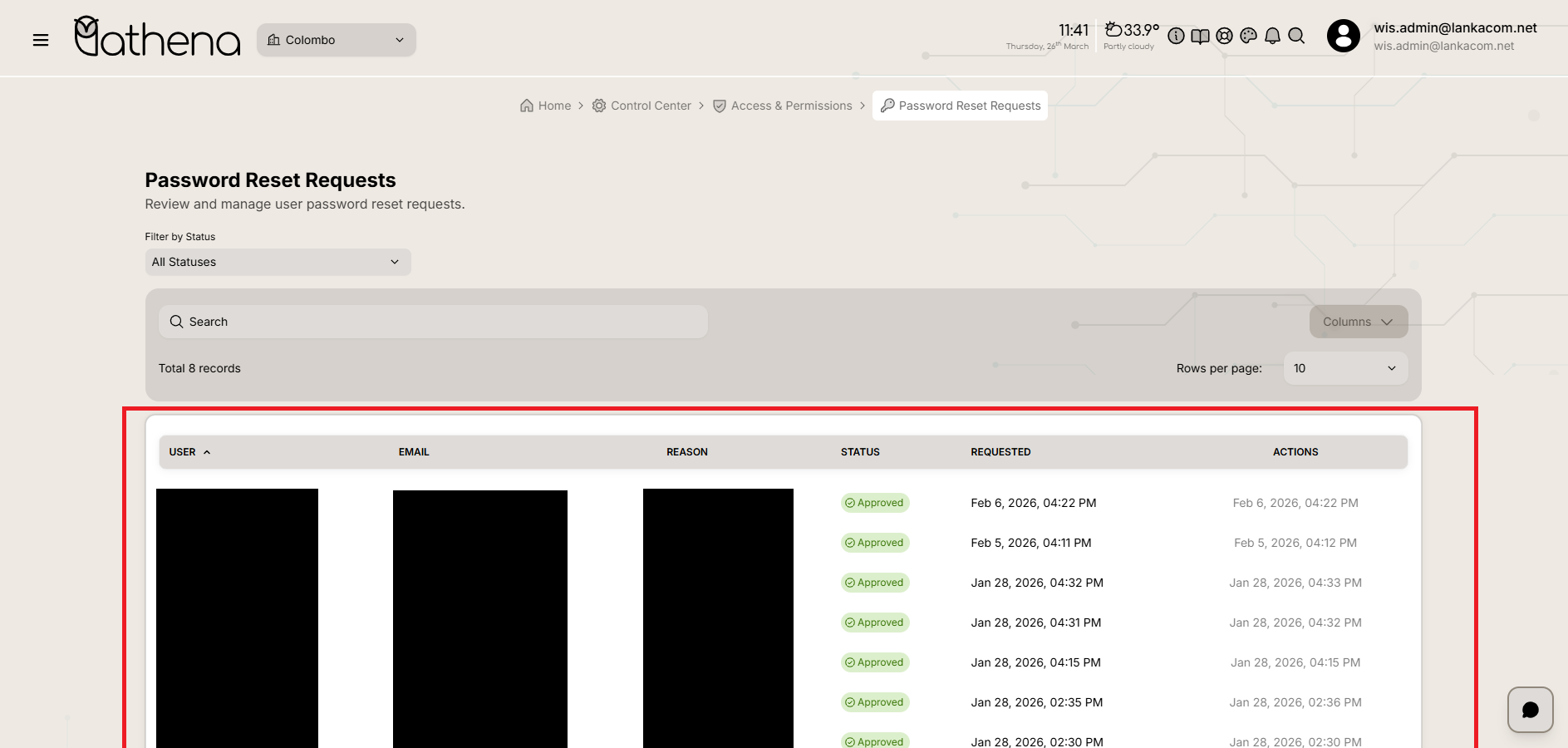
Table Controls
-
Filter by Status – Filter requests based on their status (All, Approved, Pending, Rejected).
-
Search Bar – Quickly find specific requests using user name, email, or reason.
-
Total Records – Displays the total number of password reset requests.
-
Columns – Customize visible columns in the table.
-
Rows Per Page – Adjust the number of records displayed per page.
Key Features
-
Centralized Request Management – View and manage all password reset requests from one place.
-
Status Tracking – Easily identify whether requests are approved, pending, or rejected.
-
User Information Visibility – Access key user details such as name and email for verification.